Verified ID
Verification status is based on required identity checks, not simply on uploading a document.
YAVA Ride is designed around clearer identities, transparent ride information, structured booking records and safety-focused passenger-driver coordination.
Our platform separates document submission from actual verification and keeps important account, ride and safety actions under appropriate review.

Safety is not one feature. It comes from identity, ride information, controlled communication, support tools and accountable review working together.
Verification status is based on required identity checks, not simply on uploading a document.
Emergency and support workflows are designed to be accessible when a ride needs urgent attention.
Contact information can be shown according to booking status, permissions and platform rules.
Risk signals support human review instead of automatically making high-impact decisions.
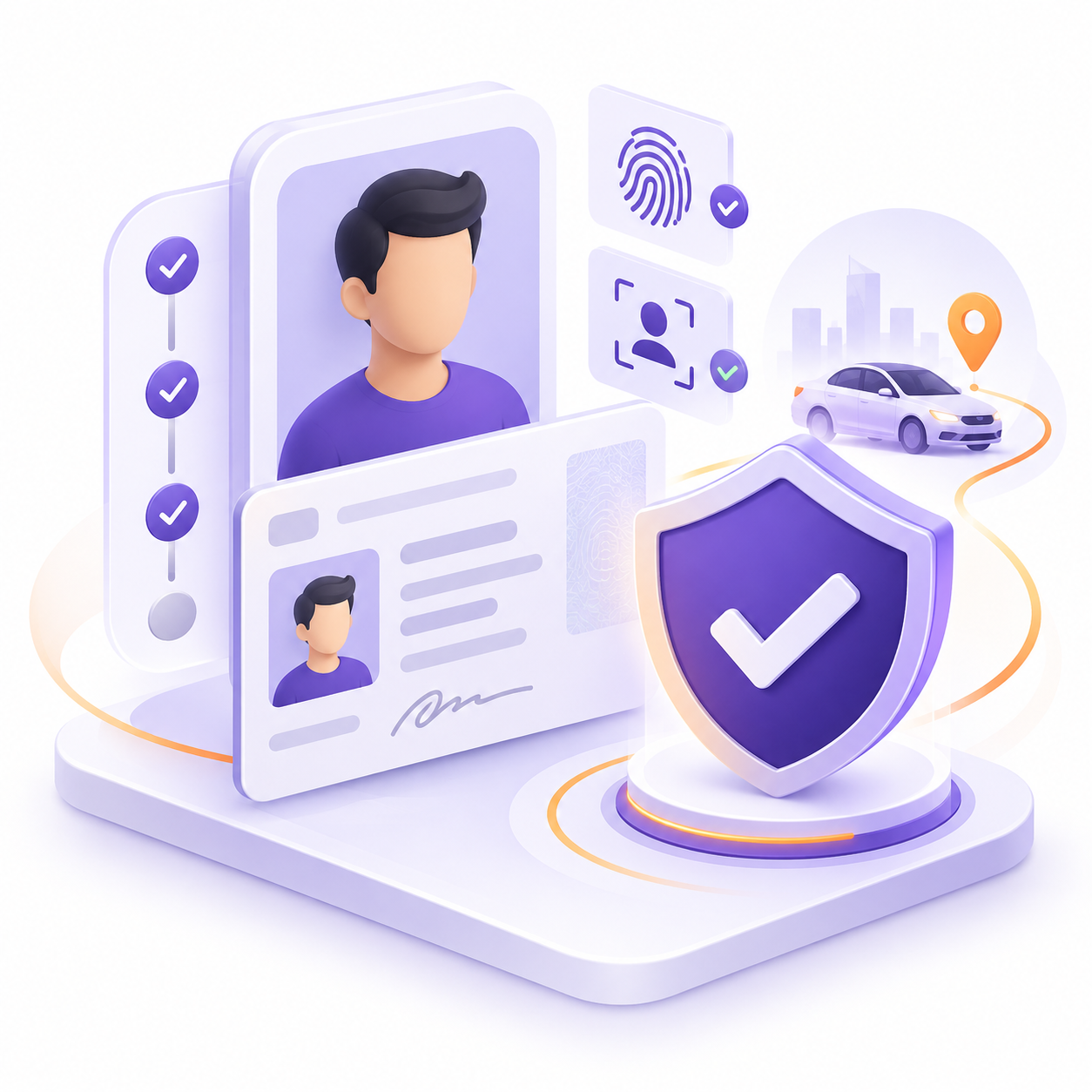
YAVA is designed so verification status depends on the required checks being completed, rather than automatically marking an account as verified as soon as a document is uploaded.
Users provide the applicable identity or driver verification information.
Required checks can be reviewed according to the applicable verification workflow.
Verification is shown only after the necessary checks have been completed.
Before and during a confirmed ride, relevant journey information can help passengers and drivers understand who they are travelling with, which vehicle is being used and where the journey is expected to begin.
Relevant vehicle and seating information can be shown before the journey.
Passengers should see the actual agreed pickup location for the ride.
Relevant profile and verification information can help users recognise the correct ride.
Ride history and booking records provide a structured record of activity.

YAVA's safety architecture is designed to support urgent help and ride-related reporting so important issues can be escalated through the appropriate support workflow.
Quick access to emergency or support actions where available.
Report ride, booking or account concerns through structured support.

Passenger and driver contact details should only be exposed when operationally necessary and according to booking state, authorization and platform rules.
Personal contact information can remain restricted before a valid booking exists.
Necessary communication can become available according to confirmed booking rules.
Contact access can be reduced again when it is no longer needed for the ride.
Confirm the vehicle and driver information before entering the car.
Use the pickup location shown in the confirmed booking.
Keep important ride and booking information available during the journey.
Use support or SOS tools if you feel unsafe or need urgent help.
Keep driver and vehicle information accurate and up to date.
Use only the approved or registered vehicle associated with the ride.
Follow the confirmed pickup, booking and passenger coordination rules.
Report serious safety or account concerns through the appropriate support process.
For ride-related safety concerns, account issues or support requests, contact YAVA through the official support channel.
Contact Support